Create the Perfect H...
Create the Perfect H1 Tag for SEO
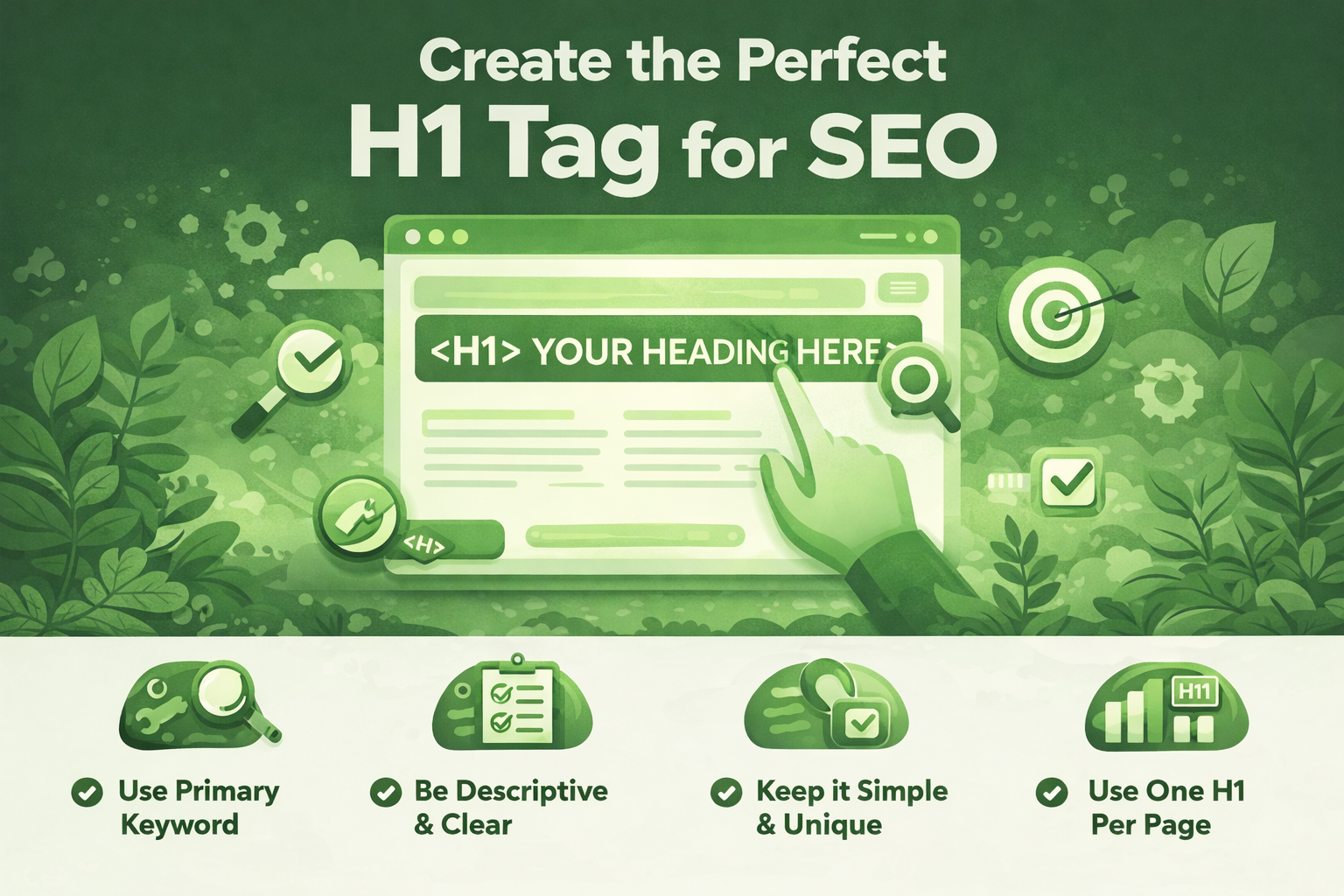
Create the Perfect H1 Tag for SEO
Create the Perfect H1 Tag for SEO: A Complete Guide
The H1 tag is one of the most powerful on-page SEO elements on your website. When optimized correctly, it helps search engines understand your content, improves rankings, and boosts user engagement. Despite its importance, many WordPress bloggers misuse or completely ignore the H1 tag.
In this in-depth guide, you’ll learn exactly how to create the perfect H1 tag for SEO, discover proven patterns, avoid common mistakes, and apply best practices that actually work in 2025 and beyond.
What Is an H1 Tag?
An H1 tag is an HTML heading element that represents the main title of a web page. It tells search engines and users what the page is primarily about. Think of it as the headline of a newspaper article.
In WordPress, the H1 tag is usually generated automatically from your post title. However, relying on defaults without optimization can cost you valuable SEO opportunities.
Why the H1 Tag Is Critical for SEO
Search engines like Google analyze the H1 tag to understand the topic of your page. While it is not the only ranking factor, it strongly supports relevance signals when combined with quality content.
- Helps search engines identify the page topic
- Improves keyword relevance
- Enhances readability and user experience
- Supports accessibility for screen readers
A well-written H1 tag can be the difference between ranking on page one or getting buried in search results.
How Many H1 Tags Should a Page Have?
From an SEO best-practice standpoint, you should use one H1 tag per page. This creates a clear content hierarchy and avoids confusion for search engines.
HTML5 technically allows multiple H1 tags, but for SEO and clarity, a single descriptive H1 remains the safest and most effective approach—especially for WordPress blogs.
Ideal Length of an SEO-Friendly H1 Tag
There is no strict character limit for H1 tags, but best practices suggest keeping them between 20–70 characters.
- Too short → lacks context
- Too long → loses impact and clarity
Your H1 should be concise, descriptive, and compelling enough to make users want to read the rest of the page.
Keyword Optimization for H1 Tags
Your primary keyword should appear naturally in the H1 tag. This reinforces topic relevance without resorting to keyword stuffing.
Good H1: Create the Perfect H1 Tag for SEO
Always prioritize readability over exact-match keywords. Google is smart enough to understand variations and intent.
H1 Tag Patterns That Work Best
Using proven H1 patterns can significantly improve click-through rates and engagement. Below are some highly effective structures.
1. How-To Pattern
2. List-Based Pattern
3. Benefit-Driven Pattern
4. Question-Based Pattern
Common H1 Tag Mistakes to Avoid
Even experienced bloggers make simple H1 mistakes that hurt SEO performance.
- Using multiple H1 tags on one page
- Duplicating the same H1 across multiple pages
- Keyword stuffing
- Using vague or generic titles
- Replacing H1 with images instead of text
Avoiding these mistakes can instantly improve your on-page SEO structure.
H1 Tags and User Experience
SEO is not just about search engines—it’s also about users. A strong H1 tag immediately tells visitors they are in the right place.
When users quickly understand your content, they stay longer, reduce bounce rates, and interact more with your website—all positive SEO signals.
H1 Tags vs Title Tags: What’s the Difference?
Many beginners confuse H1 tags with title tags. While they often look similar, they serve different purposes.
- Title Tag: Appears in search results and browser tabs
- H1 Tag: Appears on the page itself
They can be similar but should not be identical every time. Slight variations help optimize both for users and search engines.
Optimizing H1 Tags in WordPress
WordPress usually assigns the post title as the H1 tag automatically. To ensure proper optimization:
- Use a lightweight, SEO-friendly theme
- Avoid page builders that generate extra H1s
- Check source code if unsure
SEO plugins like Rank Math or Yoast SEO can help you preview and optimize your headings effectively.
Accessibility Benefits of Proper H1 Usage
Screen readers rely on headings to navigate content. A well-structured H1 tag makes your content accessible to visually impaired users.
Accessibility is not just ethical—it’s also a ranking consideration in modern SEO.
Advanced H1 Optimization Tips
Once you master the basics, consider these advanced techniques:
- Include power words for higher engagement
- Match search intent (informational, transactional, navigational)
- Use natural language and conversational tone
- Align H1 with H2 and H3 structure
Real-World Example of a Perfect H1 Tag
This example is clear, keyword-rich, user-friendly, and optimized for both SEO and engagement.
Final Thoughts: Mastering the H1 Tag for SEO Success
Creating the perfect H1 tag for SEO is not complicated, but it requires strategy, clarity, and consistency. When done right, it strengthens your on-page SEO, improves rankings, and enhances user experience.
Focus on one clear topic, use proven patterns, avoid common mistakes, and always write for humans first. If you do that, search engines will reward you.
Start optimizing your H1 tags today—and watch your WordPress blog grow.